Delete Devices from Smart Home Manager: 7 Easy Fixes
Delete Devices from Smart Home Manager

To delete devices from Smart Home Manager, open the AT&T Smart Home Manager app, go to Profiles & devices, select the device, and use the available option to block, pause, rename, remove from a profile, or manage it. In many cases, AT&T does not show a direct delete button for every connected device. Many users … Read more
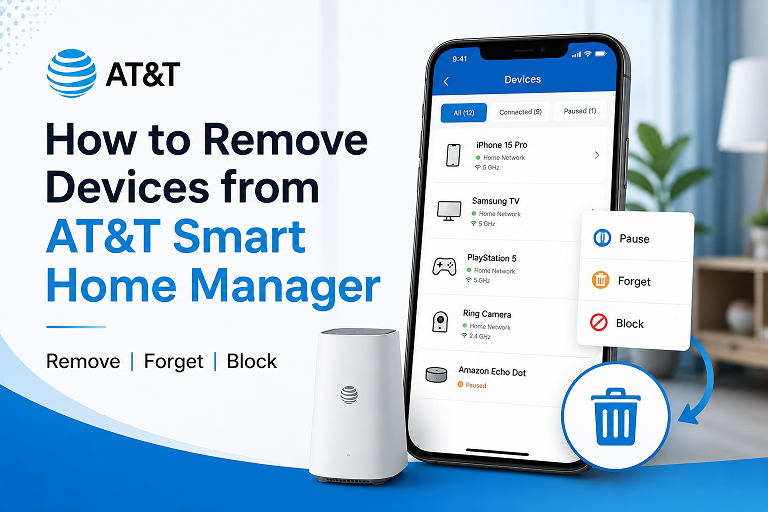
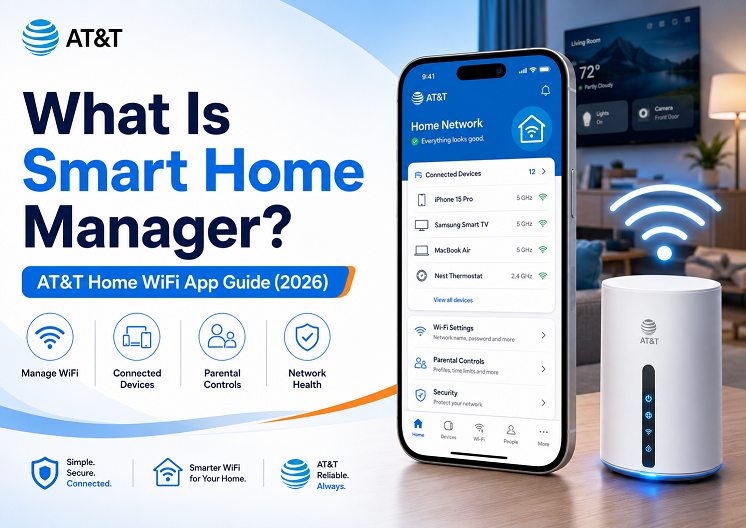
How to Remove Devices from AT&T Smart Home Manager (2026): Pause, Block & Delete Explained

AT&T Smart Home Manager app showing connected devices, unknown device warning, pause button, block device option, and WiFi password settings on a smartphone

How to Remove Devices from AT&T Smart Home Manager (2026): Pause, Block & Delete Explained Home› Automation Hubs› Remove Devices from AT&T Smart Home Manager 📶 Automation Hubs ✓ Updated June 2026 By Smart Home Editorial Team 12 min read Sources: AT&T Support, Google Play, Apple App Store How to Remove Devices from AT&T Smart … Read more

How to Remove Devices from Smart Home Manager

Remove Devices from Smart Home

    Step-by-step guide to declutter your network by removing old or unauthorized devices using AT&T and Xfinity apps Why Removing Devices Matters Unused or unknown devices on your network can introduce security risks, clutter your device list, and slow performance. Here’s how to remove devices from Smart Home Manager using top provider apps and … Read more